2009/09/20

Prevent .DS_Store file creation over network connections

1. Open the Terminal application from the Utilities folder which is nested in the Applications folder

2. In the newly opened terminal type:

defaults write com.apple.desktopservices DSDontWriteNetworkStores true

3. Restart the computer for the change to take effect

Reference: http://support.apple.com/kb/HT1629

2009/09/19

VMware Fusion - remove "Bootcamp partition" from Virtual Machine Library List

The boot camp VM is broken because missing files. How do you redo it all?

It's extremely annoying that one cannot remove the Boot Camp partition entry on the Virtual Machine Library without going through some hoops and jumps...

If you do the following this will stop the Boot Camp partition entry from showing on the Virtual Machine Library...

1. Close Fusion

2. In a Terminal (/Applications/Utilities/Terminal) copy and paste the following command, as is, and then press Enter and type in your password then press Enter.

sudo mv "/Library/Application Support/VMware Fusion/vmware-rawdiskCreator" "/Library/Application Support/VMware Fusion/vmware-rawdiskCreator.bak"


3. Open Fusion and then ctrl-click the Boot Camp partition entry on the Virtual Machine Library and select Delete.

Note: If you have Imported the Boot Camp partition as a normal file based Virtual Machine you could have a Boot Camp partition entry on the Virtual Machine Library that you do not want to delete so before deleting the Boot Camp partition entry on the Virtual Machine Library you can ctrl-click the Boot Camp partition entry on the Virtual Machine Library and select Show in Finder and then make sure this is the one in your "/Users/${USER}/Library/Application Support/VMware Fusion/Virtual Machines/Boot Camp" folder before removing it from the Virtual Machine Library.

To restore the Boot Camp partition entry on the Virtual Machine Library...


1. Close Fusion

2. In a Terminal (/Applications/Utilities/Terminal) copy and paste the following command, as is, and then press Enter and type in your password then press Enter.

sudo mv "/Library/Application Support/VMware Fusion/vmware-rawdiskCreator.bak" "/Library/Application Support/VMware Fusion/vmware-rawdiskCreator"

Reference: http://communities.vmware.com/thread/200649

2009/09/06

How to reset su password in snow leopard

In 10.5.x or earlier version of OSX, you use Directory Utility to enable root user and reset its password. In Snow Leopard, the utility is removed under the Application/Utility folder. So what do you do?

sudo passwd

Alternately, you can navigate to /System/Library/CoreServices/Directory Utility.app to do it in the old way.

How-To: Recursively remove .svn folders

Moved from windows to mac, the old "D drive" staff need a bit of re-org. One big trouble I found is that OSX doesn't deal with file start with "dot" well. For example, the ".svn" folders.

So how to get rid of these? On any *nix machine (Mac included) you can run the following command:

rm -rf 'find . -type d -name .svn'

Drupal install on CentOS5

PHP 5.3 is not supported on current Drupal (6.14), and CentOS's PHP version is still on 5.1.9. So the drupal installation needs a little bit of work.

1. Install MySQL 5.1
cd /etc/yum.repos.d
wget wget http://rpms.famillecollet.com/enterprise/remi-release-5.rpm
yum --enablerepo=remi install mysql mysql-server mysql-devel mysql-libs


2. Install PHP 5.2.9 from CentOS testing repository:
cd /etc/yum.repos.d
wget http://dev.centos.org/centos/5/CentOS-Testing.repo
yum --enablerepo=c5-testing install php php-devel php-pear php-pecl php-mcrypt php-xml php-xml php-imap php-soap php-mbstring php-mysql php-cli php-mysql


3. drupal clean URL config (sample)
there are many ways to turn on clean URL. Here's how I do it:
AllowOverride All
Options Indexes FollowSymLinks MultiViews
Order allow,deny
Allow from all

RewriteEngine on
RewriteBase /
RewriteCond %{REQUEST_FILENAME} !-f
RewriteCond %{REQUEST_FILENAME} !-d
RewriteRule ^(.*)$ index.php?q=$1 [L,QSA]

Alias /drupal /var/www/drupal


4. PHP.ini
modify the following keys, this is my settings:

max_input_time = 100 ; Maximum amount of time each script may spend parsing request data
memory_limit = 100M ; Maximum amount of memory a script may consume (16MB)
error_reporting = E_ALL
memory_limit = 100M ; Maximum amount of memory a script may consume (16MB)
upload_max_filesize = 100M


5. upload progress

add the extension to php.ini:
if you don't have gcc installed:
yum -y groupinstall "Development Tools"

install pecl related if you don't have them yet:

yum -y install php-devel php-pecl php-pear


install the upload progress:

pecl install uploadprogress


edit your /etc/php.ini and add this line under extension section:

extension=uploadprogress.so


6. GD library

yum --enablerepo=c5-testing install gd gd-devel php-gd


6. Install drupal

2009/08/31

MacBook Pro - share internet connection with Windows PDA via Bluetooth

To share 3G connection from PDA to MacBook, here's the steps:

1. Turn on Bluetooth on both devices (MBP and PDA)
2. Pair up (if you're not yet done it)
3. Start the internet sharing program on PDA
4. On MBP, click on the bluetooth icon on the menu bar (assuming you have it on the menu bar), under your PDA device, select "Connect".
5. Happy browsing.

My working device is: MBP 990 (OSX 10.5.8), HTC Curise (WM 6.1).

2009/08/30

Quickest way to reset mysql root password

If you forgot root password for MySQL, this is the quickest way to reset it. You need to have root access to the box.
service mysqld stop

wait until MySQL shuts down. Then run
mysqld_safe --skip-grant-tables &

**In Windows, cd to mysql path, e.g. C:\Program Files\MySQL\MySQL Server 5.1\bin, then
mysqld.exe -u root --skip-grant-tables


then you will be able to login as root with no password.
mysql -u root

In MySQL command line prompt issue the following command:
mysql> use mysql;
mysql> UPDATE user SET password=PASSWORD('the_new_password') WHERE user='root';
mysql> FLUSH PRIVILEGES;

At this time your root password is reset and MySQL will now know the privileges and you'll be able to login with your new password:
mysql -u root -p


Back to production mode
killall mysqld
service mysqld start

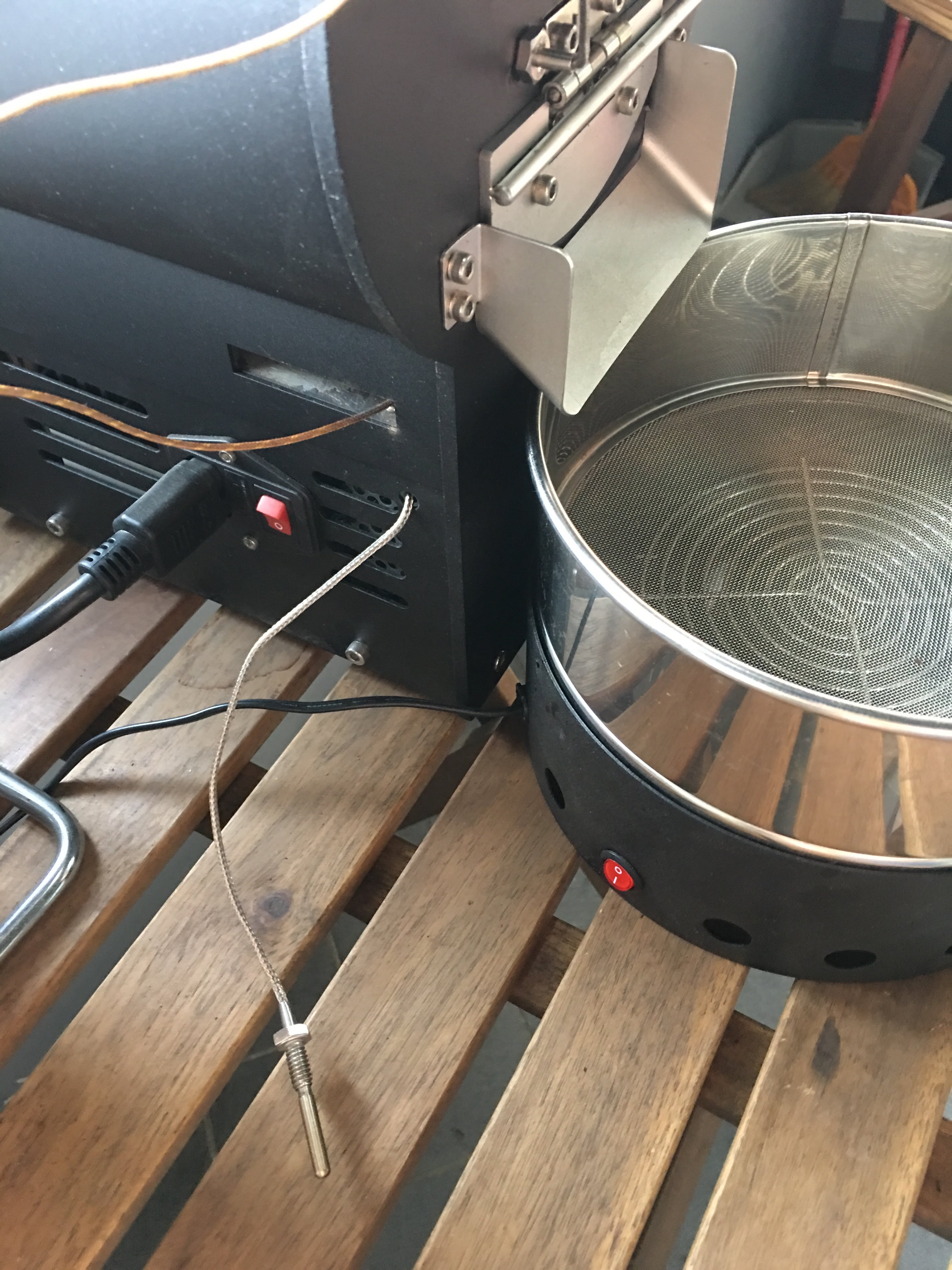
Mercury簡易改裝

有同好有一樣的困擾 - 如何使用自己的data logging軟體,因此寫了這篇來分享我的簡易改裝。 Background 雲豆子 MERCURY roaster 烘豆機的設計是使用自行開發的軟體,來:1. 操控風門/火力; 2. data logging/自動烘焙。 ...