ffmpeg -i my_video_filename
Another option is exiftool tool.
1. Install on RHEL
yum install perl-Image-ExifTool.noarch**you need to have rpmforge repository installed.
2. Use it
exiftool my_video_file
ffmpeg -i my_video_filename
yum install perl-Image-ExifTool.noarchexiftool my_video_file
[google]
name=Google - i386
baseurl=http://dl.google.com/linux/rpm/stable/i386
enabled=1
gpgcheck=1
gpgkey=https://dl-ssl.google.com/linux/linux_signing_key.pub
[google64]
name=Google - x86_64
baseurl=http://dl.google.com/linux/rpm/stable/x86_64
enabled=1
gpgcheck=1
gpgkey=https://dl-ssl.google.com/linux/linux_signing_key.pub
## Install Google Chrome Stable version ##
yum install google-chrome-stable
## Install Google Chrome Beta version ##
yum install google-chrome-beta
## Install Google Chrome Unstable version ##
yum install google-chrome-unstable
 |  |  | ||
Windows 鍵 | Mac 鍵 | 用途 | ||
|---|---|---|---|---|
Alt | Option | 輸入特殊字元,如 é。 | ||
Control | Command (⌘) | 執行動作或快速鍵。例如,按下 ⌘ + S,通常會儲存文件或檔案。 | ||
Num Lock | Num Lock Shift + Clear | 在某些應用程式中,控制是否按下數字鍵盤的按鍵來輸入數字或移動游標。 | ||
Scoll Lock | Control + F14 | 在某些應用程式中,控制是否按下方向鍵來移動游標或在視窗中捲視。 | ||
Print Screen | ⌘ + Shift + 3 ⌘ + Shift + 4 | 拍攝螢幕照片。⌘ + Shift + 3 會擷取整個螢幕的畫面。⌘ + Shift + 4 會擷取您螢幕所選區域的畫面。 | ||
yum groupinstall "Development Tools" "Development Libraries" \

"X Software Development" "GNOME Software Development"


yum install yasm zlib-devel bzip2-devel \

dbus-glib-devel libgudev1-devel webkitgtk-devel libnotify-devel \

gstreamer-devel gstreamer-plugins-base-devel
wget http://ftp.gnu.org/gnu/autoconf/autoconf-2.61.tar.bz2

tar xjf autoconf-2.61.tar.bz2

cd autoconf-2.61

./configure --prefix=/opt

make

sudo make installexport PATH=/opt/bin:$PATHwget http://handbrake.fr/rotation.php?file=HandBrake-0.9.5.tar.bz2
tar zxvf HandBrake-0.9.5.tar.gzcd HandBrake-0.9.5
./configure --disable-gtk --launch------------------------------------------------------------------------------- time end: Thu Feb 10 12:57:49 2011 duration: 20 minutes, 2 seconds (1202.42s) result: SUCCESS ------------------------------------------------------------------------------- Build is finished!
cd build

make installHandBrakeCLI --helpsudo rm -rf /usr/local/mysql*
sudo rm -rf /Library/StartupItems/MySQLCOM
sudo rm -rf /Library/PreferencePanes/My*
rm -rf ~/Library/PreferencePanes/My*
sudo rm -rf /Library/Receipts/mysql*
sudo rm -rf /Library/Receipts/MySQLStartupItem.pkg/
sudo rm -rf /var/db/receipts/com.mysql.mysql*
sudo rm -rf /var/db/receipts/com.mysql.mysqlstartup*
launchctl list|grep mysql
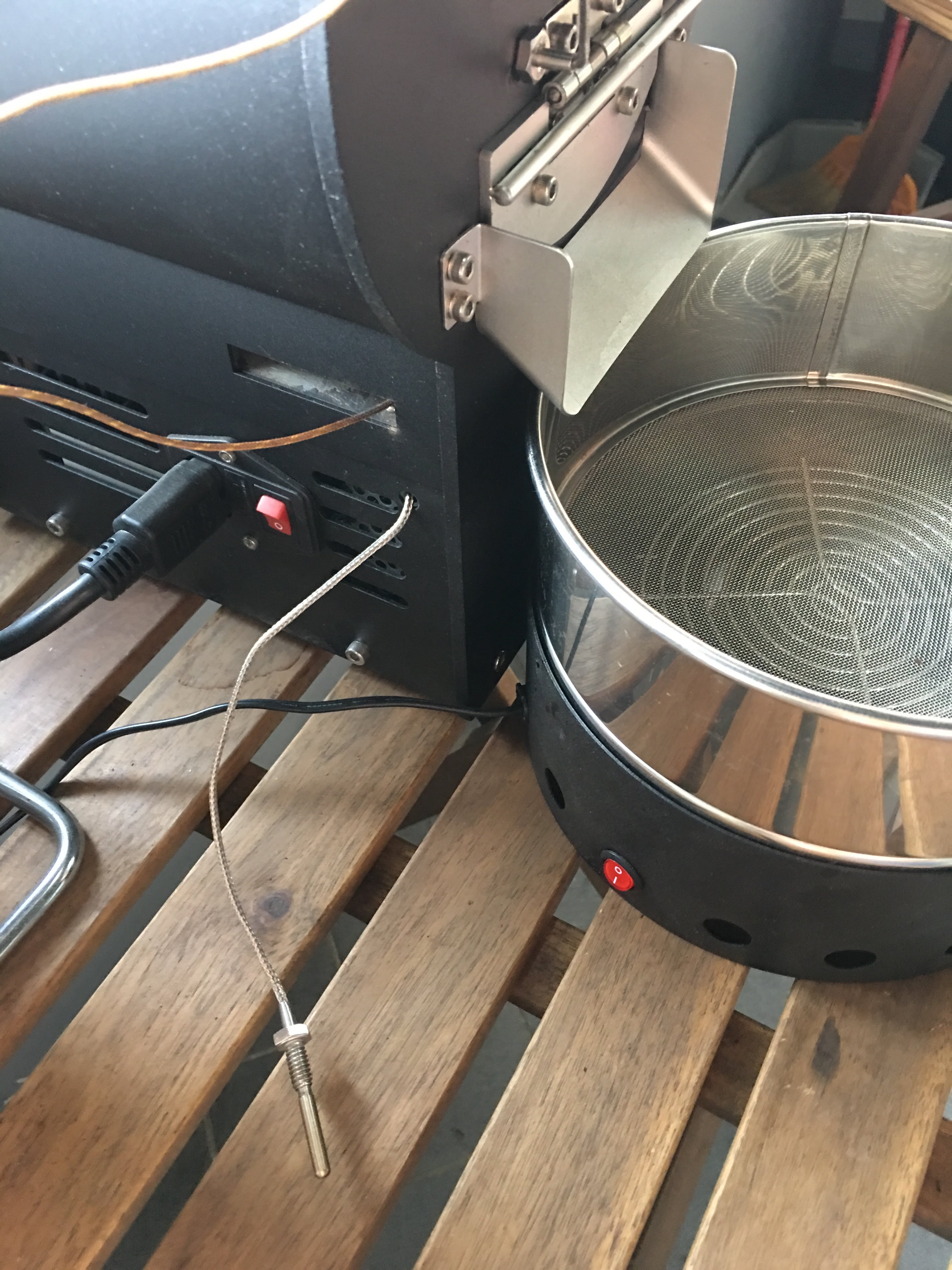
有同好有一樣的困擾 - 如何使用自己的data logging軟體,因此寫了這篇來分享我的簡易改裝。 Background 雲豆子 MERCURY roaster 烘豆機的設計是使用自行開發的軟體,來:1. 操控風門/火力; 2. data logging/自動烘焙。 ...