2016/05/20

Aeropress 愛樂壓 創辦人演講


重點:
  1. the longer you brew, the bitter it get. 泡越久就越苦。
  2. 水溫:中焙或深焙:175℉ (80℃);淺焙:185℉ (85℃)。
  3. 咖啡粉刻度:粗細依個人喜好(可細到expresso,或一般手沖刻度),建議espresso刻度或fine-drip。
  4. 水量:兩匙咖咖,沖到刻度二。
  5. 攪拌:count to 20,大約10秒。
  6. 不建議水加滿,會太苦。
  7. aeropress咖啡冠軍得主大部分用正向沖法,不用inverted method
  8. 他是喝深焙的。
最後來看一下2014 Aeropress冠軍:

2013/10/24

SVN 1.8 on OSX 10.9 (Mavericks)

This post is about how to compile the latest SVN source (1.8.3) on OSX Mavericks (OSX 10.9).

References

Sam's Updating to SVN 1.8 for Mac OSX 10.8. This is about building in OSX 10.8.

Requirement

  1. Xcode command line tool: can be download at Apple's dev center or install command line tool without Xcode.
  2. Setup the Tool chain: sudo ln -s /Applications/Xcode.app/Contents/Developer/Toolchains/XcodeDefault.xctoolchain/ /Applications/Xcode.app/Contents/Developer/Toolchains/OSX10.9.xctoolchain The key is to link the toolchain to reflect new version # of Maverick, which is 10.9.
  3. The SVN source: can be download form Apache SVN project.
    Here's straight way in command: cd ~/Downloads/ curl -o subversion-1.8.3.tar.gz http://archive.apache.org/dist/subversion/subversion-1.8.3.tar.gz tar -xvf subversion-1.8.3.tar.gz

Build and Install SVN

Build serf

First we will need to build serf, included in the subversion package. cd ~/Downloads/subversion-1.8.3 sh get-deps.sh serf cd serf/ ./configure make sudo make install

Build SVN

Go back up to the SVN source root, and build it using serf. Depend on your hardware, it might takes awhile. If you need a coffee, this is good time to do so once you start the make. cd .. ./configure --prefix=/usr/local --with-serf=/usr/local/serf make sudo make install

Wrap it up

Now you've the new SVN 1.8.3 installed at /usr/local/bin. Make sure your path includes it. From there you should able to: svn --version And here you go:
svn, version 1.8.3 (r1516576)
   compiled Oct 24 2013, 02:38:35 on x86_64-apple-darwin13.0.0

Copyright (C) 2013 The Apache Software Foundation.
This software consists of contributions made by many people;
see the NOTICE file for more information.
Subversion is open source software, see http://subversion.apache.org/

The following repository access (RA) modules are available:

* ra_svn : Module for accessing a repository using the svn network protocol.
  - with Cyrus SASL authentication
  - handles 'svn' scheme
* ra_local : Module for accessing a repository on local disk.
  - handles 'file' scheme
* ra_serf : Module for accessing a repository via WebDAV protocol using serf.
  - using serf 1.2.1
  - handles 'http' scheme
  - handles 'https' scheme

2011/08/26

Undelete in Linux (ext3 file system)

I accidentally wide out my 200 and some gigabytes of mp3 (again) by rsync'ing between bad disk. Luckily I found this undelete program and recover most of them.

http://extundelete.sourceforge.net

Also check out this great article if you're techie: http://carlo17.home.xs4all.nl/howto/undelete_ext3.html

Install BootCamp 4.0

If you upgrade to Lion from Snow Leopard + Win7 bootcamp, you might find that you can't download new bootcamp 4.0 from Bootcamp Assistant. The way I go around it is by downloading it from Apple's CDN:
  1. Download Bootcamp 4.0 Drivers, here's a link on some Apple CDN for the .pkg file containing the drivers (603MB): http://bit.fosk.it/bootcamp40
  2. Open this file with 7Zip in Windows, and go through a few layers to extract BootCampESD.pkg\Payload\Payload~\.\Library\Application Support\BootCamp\WindowsSupport.dmg\0.Apple_ISO
  3. Rename the file from 0.Apple_ISO to BootCamp4.iso
  4. Extract the iso with 7Zip to a folder.
  5. Open command prompt and navigate to the extracted folder, for example:
    E:
    cd WindowsSupport\Drivers\Apple
  6. From the prompt in that folder, run msiexec /i BootCamp64.msi

2011/05/12

Generating Video Thumbnails With FFMPEG

Check out flowplayer's - http://flowplayer.org/tutorials/generating-thumbs.html

In short,

ffmpeg -i [video_file] -f image2 -vframes 1 [output_image].jpg


For example,

ffmpeg -ss 12 -i flowplayer.mov -f image2 -vframes 1 flowplayer-12.jpg

Finding video/ image file info

In ffmpeg, you can determine video or image file info:


ffmpeg -i my_video_filename


Another option is exiftool tool.

1. Install on RHEL
yum install perl-Image-ExifTool.noarch
**you need to have rpmforge repository installed.

2. Use it
exiftool my_video_file

2011/05/07

Install Google Chrome on RHEL

This howto explains howto install Google Chrome Web browser on Fedora 14, Fedora 13, Fedora 12 and Red Hat 6 (RHEL 6). Best way to install and keep up-to-date with Google Chrome browser is use Google’s own YUM repository.

1. Enable Google YUM repository

Add following to /etc/yum.repos.d/google.repo file:
32-bit
[google]
name=Google - i386
baseurl=http://dl.google.com/linux/rpm/stable/i386
enabled=1
gpgcheck=1
gpgkey=https://dl-ssl.google.com/linux/linux_signing_key.pub
64-bit
[google64]
name=Google - x86_64
baseurl=http://dl.google.com/linux/rpm/stable/x86_64
enabled=1
gpgcheck=1
gpgkey=https://dl-ssl.google.com/linux/linux_signing_key.pub
Note: Both 32-bit and 64-bit repos can be placed in the same file.

2. Install Google Chrome with YUM (as root user)

Install Google Chrome Stable Version

## Install Google Chrome Stable version ##
yum install google-chrome-stable

Install Google Chrome Beta Version

## Install Google Chrome Beta version ##
yum install google-chrome-beta

Install Google Chrome Unstable Version

## Install Google Chrome Unstable version ##
yum install google-chrome-unstable

Mercury簡易改裝

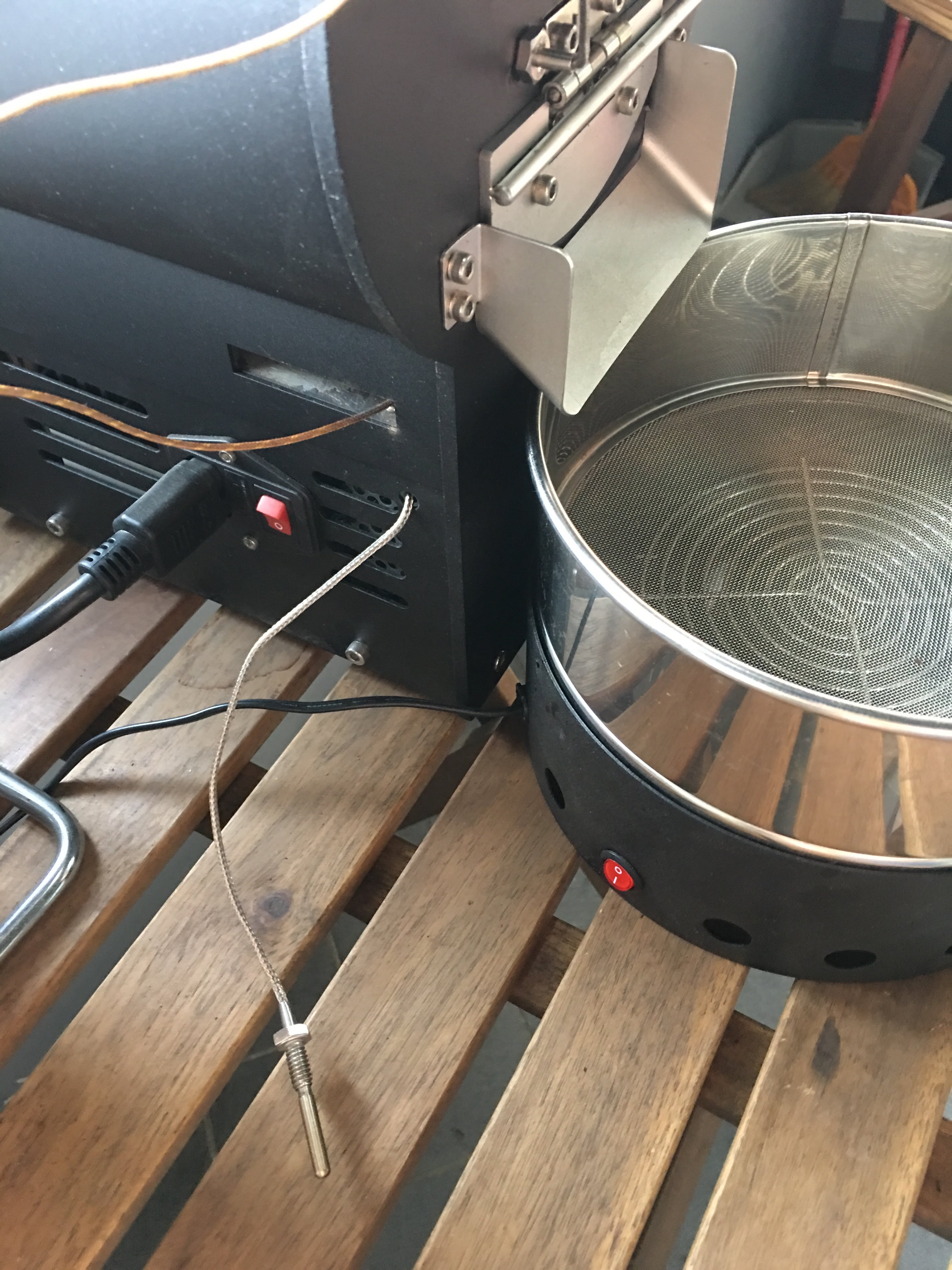
有同好有一樣的困擾 - 如何使用自己的data logging軟體,因此寫了這篇來分享我的簡易改裝。 Background 雲豆子 MERCURY roaster 烘豆機的設計是使用自行開發的軟體,來:1. 操控風門/火力; 2. data logging/自動烘焙。 ...